Scan Image to PDF Online Free – Fast & Easy Converter
Scan Image to PDF - Complete Document Toolkit
Image to PDF, Merge PDF, Word to PDF, PDF to Word
Managing documents online should feel simple, yet many people struggle when they need to scan image to pdf, combine files using a pdf merger online, or quickly merge pdf documents without losing quality. Students converting notes through image to pdf, professionals trying to convert pdf to scanned pdf for official portals, and office teams handling Word files in Portable Document Format (PDF) often waste time switching between tools.
Whether your files are in JPG, PNG, DOCX from Microsoft Word, or standard PDF format, the process should work smoothly across Windows, macOS, Android, and iOS without complex software. A reliable browser-based solution that supports image to pdf conversion, secure file handling over HTTPS, and fast document merging can remove that frustration and help users complete tasks in minutes instead of hours.
📄 Scan Image to PDF – Quick Steps
Upload
Add JPG or PNG file
Adjust
Set page size & layout
Arrange
Order multiple images
Convert
Generate PDF instantly
Optimize
Auto enhance quality
Download
Save your PDF
📄 How to Scan Image to PDF Online (Step-by-Step)
✅ Step 1: Upload Your Image
Upload your JPG or PNG file into the image to PDF converter.
The tool works directly in your browser using HTML5 and JavaScript, so no installation is needed.
⚙️ Step 2: Adjust Page Settings
Choose your preferred page size or layout before converting.
You can also prepare multiple files for merging.
📂 Step 3: Arrange Multiple Images
If you upload more than one image, arrange them in order before creating the final document.
This helps when using features like image to PDF or a PDF merger online.
🚀 Step 4: Click Convert
Click the convert button to instantly generate your Portable Document Format (PDF) file.
The system processes everything quickly inside your browser.
✨ Step 5: Automatic Optimization
- 🔄 Detects image orientation
- 🎨 Improves contrast
- 📈 Optimizes quality
This ensures your scan image to PDF output looks clean and professional.
⬇️ Step 6: Download Your PDF
Once ready, download your optimized PDF securely.
Your files are handled safely over HTTPS.
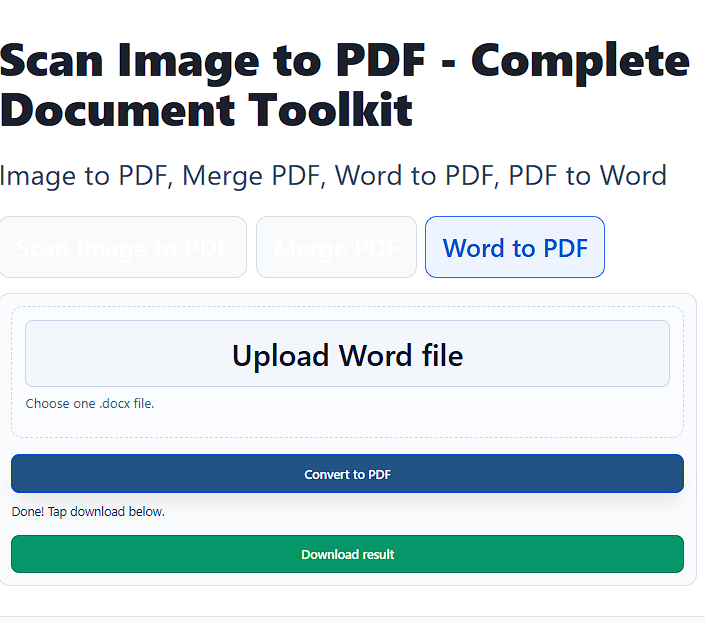
Convert Word to PDF Instantly
Upload a DOC or DOCX file to convert Word into high-quality PDF format. The layout, fonts, and spacing remain preserved. This makes it suitable for reports, resumes, and contracts.
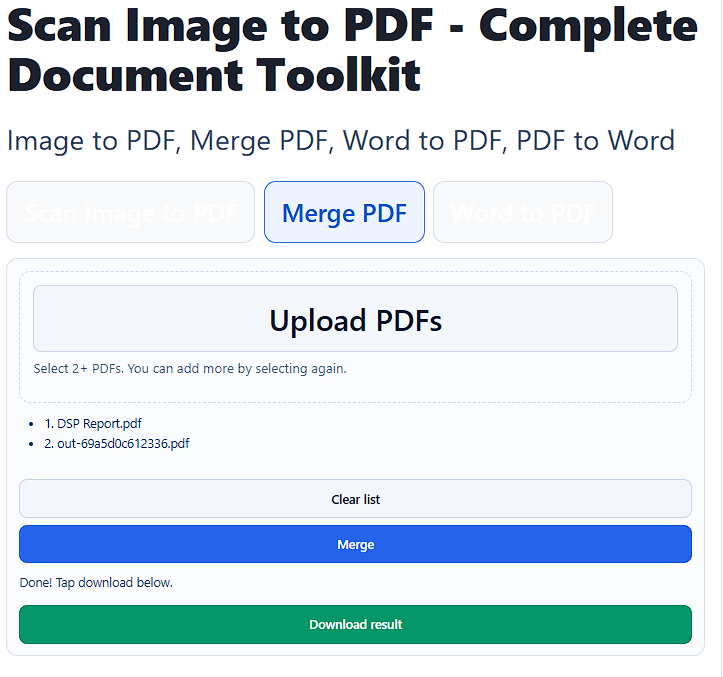
Merge Files with PDF Merger Online
After you scan image to pdf, use the pdf merger online tool to merge pdf files easily. Drag and reorder pages before final export. The merge pdf function keeps document quality intact.
Batch merging is ideal for invoices, research papers, and contracts. Multiple PDFs can be combined into one organized file. The final document downloads instantly.
Secure and Private File Processing
All scan image to pdf operations run through encrypted SSL connections. The system follows secure file handling standards. Temporary storage ensures automatic deletion after completion.
No account registration is required for basic conversion. Browser-based rendering eliminates external software risks. This maintains full data confidentiality.
Fast Performance with Cross-Platform Support
The scan image to pdf engine processes files within seconds depending on size. Lightweight JavaScript rendering ensures minimal loading delay. Performance remains stable across devices.
It works on desktops, tablets, and smartphones. No plugins or extensions are required. Cross-platform compatibility increases accessibility.
Why Choose This Complete PDF Toolkit
This platform integrates scan image to pdf, image to pdf, pdf merger online, and merge pdf in one place. It also supports convert PDF to scanned PDF and Word conversions. A unified workflow saves time and improves productivity.
Clean heading hierarchy improves SEO structure and keyword prominence. Entity-rich content strengthens semantic authority. Fast loading speed enhances user experience and ranking potential.